Latest videos

Stop scrolling for a second. What if I told you someone just leaked the exact playbook for building powerful AI agents?
Before I show you this, make sure you like the video, follow for more dev secrets, and comment “AI” if you want more tools like this.
A recent hackathon winner from Anthropic just dropped something insane. A developer named Affan built a massive AI system called Zenith. But instead of keeping the process secret, he released his entire playbook publicly.
He uploaded a full GitHub repository showing every trick he used with Claude, including specific MCP servers, prompt structures, and the exact commands needed to run advanced AI workflows.
And here is the crazy part. His system spins up eleven specialized AI agents that handle the entire software development lifecycle automatically.
We are talking about agents for planning, development, implementation, testing, optimization, and deployment. The whole pipeline runs like a coordinated AI team.
It is basically a free masterclass in advanced AI engineering that most people would normally charge thousands of dollars to teach.
If you want to study it yourself, search everything-claude-code by affaan-m on GitHub or comment I will send you the link
Save this video so you do not lose it, and follow for more hidden tools and developer secrets.
#AI #AIAgents #ClaudeAI #Anthropic #GitHubProjects #PromptEngineering #AItools #Developers #CodingLife #Automation #TechReels #LearnAI #BuildInPublic #DevCommunity #AIEngineering

Anthropic just paid $400M for a biotech startup with zero revenue, and it tells you exactly where AI drug discovery is heading.
Coefficient Bio had fewer than 10 people and no public product. What they had: elite ex-Genentech researchers who know how to build AI for drug discovery, and that talent is worth a $400M premium right now.
This isn't Anthropic playing chatbot wars anymore. They're pointing Claude at a $100B+ drug discovery market, the same space DeepMind, Nvidia, and OpenAI are sprinting into.
Here's what this means for healthcare, biotech & pharma:
→ Drug development takes 10–15 years, not just biology, but sheer data volume
→ Purpose-built AI doesn't just speed it up, it rewrites the economics
→ One successful drug powered by Claude = billions in recurring pharma contracts
The company went from founding to $400M acquisition in under a year. That tells you how scarce this AI talent is, and how fast this is moving.
Follow Fund-AI-Mentals to stay ahead of where the smart money is actually going in AI — not just the headlines, but the strategy behind the deals.
#aidrugdiscovery #anthropic #biotechnology #aihealthcare #aiinvesting #FundAIMentals #ainews #drugdiscovery #TechAcquisition #aistartup

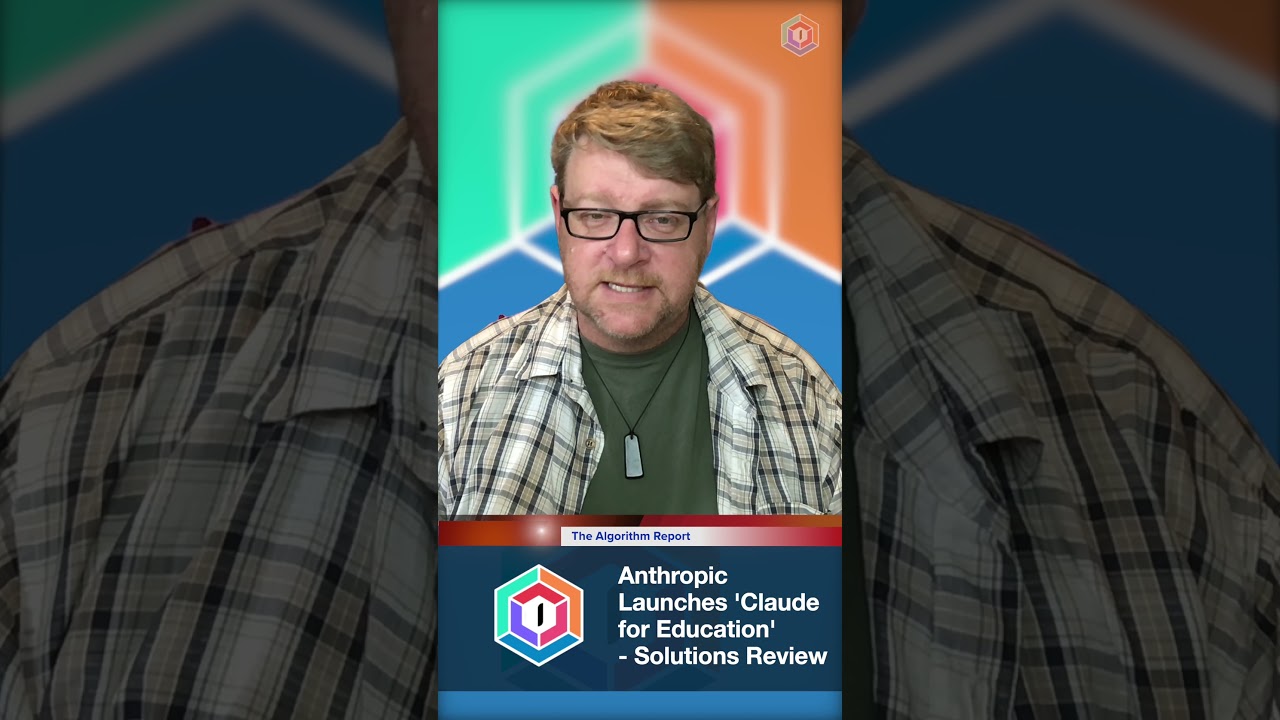
The AI industry is shifting fast! Today, we cover two major announcements shaking up the AI world:
📌 OpenAI’s New Commission & Nonprofit Strategy
👉 OpenAI is restructuring its nonprofit mission—what does this mean for AI governance?
📌 Anthropic’s Claude for Education
👉 A new AI initiative aimed at transforming learning—will it revolutionize education or create new challenges?
In this video, I read both official announcements in full so you can stay informed without missing a single detail.
🎧 Listen now & stay ahead of the AI revolution!
🔔 Subscribe for more in-depth AI content!
#OpenAI #Anthropic #ClaudeAI #AIinEducation #ArtificialIntelligence #TechNews #AIUpdate #FutureOfAI #AIEthics
Claude Mythos found tens of thousands of software vulnerabilities with an 83.1% exploit success rate. Anthropic refused to release it publicly — instead launching Project Glasswing with 40 partner companies including Apple, Amazon, and Microsoft to defend critical systems.
What does this mean for Claude Code users? The model you are using today is the weakest version you will ever use.
🎓 Join Agent Skills Academy (FREE): https://www.skool.com/agentskillsacademy/about

Follow me ► x.com/matthewberman
Instagram ► https://www.instagram.com/matthewberman_ai
Media/Sponsorship Inquiries ► https://bit.ly/44TC45V


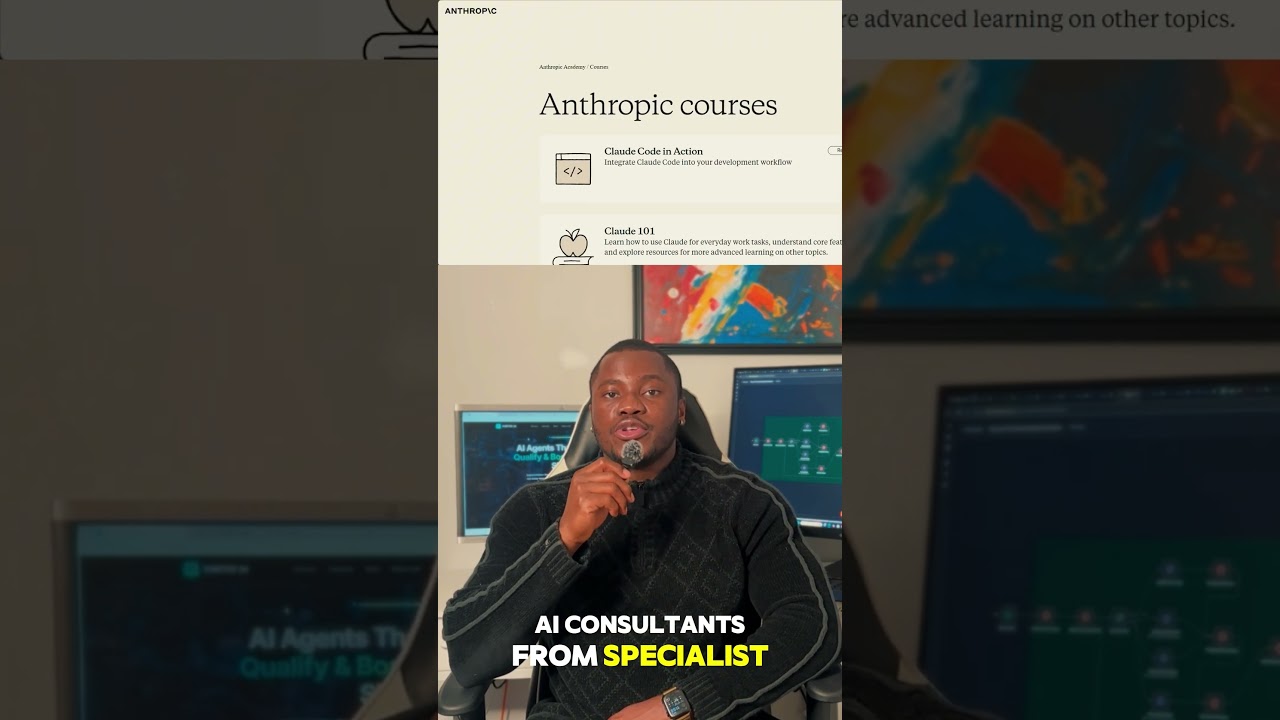
Anthropic released 7 free courses with certificates. I took all 7 in one weekend. Here's exactly which ones to take based on who you are.
FOR BEGINNERS (90 min total):
1. AI Fluency — under 1 hour, fundamentals + prompt design
2. Claude 101 — practical daily use (skip if you already use Claude)
FOR DEVELOPERS (the big 3):
3. Building with Claude API — 8+ hours, 84 lectures, BEST COURSE
4. Intro to MCP — connect Claude to databases, APIs, tools (mandatory for agents)
5. Claude Code in Action — AI coding workflows + debugging
FOR ENTERPRISE:
6. Claude with Google Vertex AI — GCP deployment, RAG, production
7. Claude with Amazon Bedrock — AWS agents + service integration
⚠️ Don't take both — pick your cloud
MY RANKING:
🥇 Take ONE → Building with Claude API
🥈 Add TWO → + Intro to MCP
🥉 Add THREE → + Claude Code in Action
All free. All give certificates.
🔗 Courses: https://anthropic.skilljar.com
🔗 GitHub: https://github.com/anthropics/courses
🔔 Subscribe: https://www.youtube.com/@hyper....automationlabs1045?s
#Anthropic #Claude #FreeCourses #AIcourses #PromptEngineering #MCP #ClaudeCode #AIlearning #Certificates
#Shorts #AI #ChatGPT
Sign up for the free newsletter for Data & AI Engineers here: https://www.datapro.news
Subscribe for weekly conversations with the movers and shakers of the Data and AI world: https://www.youtube.com/@theda....taradioshow?sub_conf
Join our Data Innovators Exchange Skool Classroom to connect with people in the industry and learn along the way - https://www.skool.com/data-innovators-exchange
#datavault #datinnovatorsexchange #moderndatamanagement #Kimball #starschema #3rdnormalform #wherescape #vaultspeed #coalese #aiengineering #ainews #LLM #largelanguagemodel #machinelearning #datascience #datvaultbuilder #ignition-data #scalefree #dfakto #dsharp #techdata
#datapro #datapronews #dataradioshow #datawarehouse #datawarehousing #datadriveninsights #wherescape #dataengineering #genai #dataarchitecture #datascience #datamodeling

This is Anthropic running the government-contract playbook at continental scale: Rwanda becomes a reference deployment that signals Claude's viability as sovereign AI infrastructure for the Global South, not just a consumer product. The Socratic-mentor framing—questions rather than answers—is a deliberate hedge against dependency criticism and gives Anthropic a defensible pedagogical story for regulators everywhere. Paired with Iceland, LSE, and India, Anthropic is quietly building a moat of institutional commitments that rivals will struggle to displace once teachers and civil servants are trained on Claude workflows.
Key numbers:
• 200,000+ ALX students and young professionals reached
• Up to 2,000 Rwandan teachers targeted for AI training
• 1,100+ conversations logged since Chidi rollout on November 4, 2025
• Nearly 4,000 learning sessions completed
• 9 out of 10 users reported positive experiences
• 1 year of Claude access granted to Rwanda pilot graduates
• Announcement date: November 18, 2025
• Claude Pro (individual), Claude Code (developer teams in government)
Source: https://www.anthropic.com/news..../rwandan-government-
Follow @TrendsInAI for daily AI news in 60 seconds.
#Shorts #AI #AINews #TrendsInAI
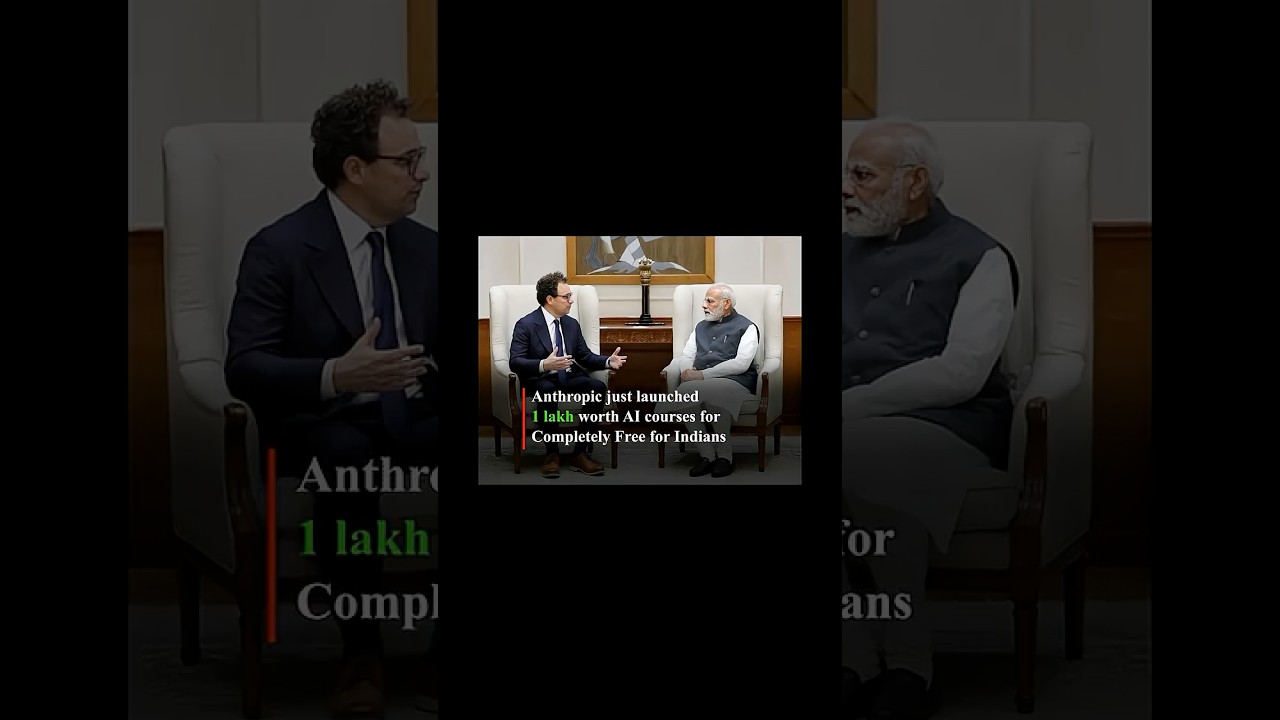
Big news for AI learners! Anthropic has launched Anthropic Academy a completely free online platform packed with high-quality courses on mastering Claude AI.
From beginner-friendly ‘Claude 101’ for everyday tasks and ‘AI Fluency: Framework & Foundations’ for ethical, effective AI use, to advanced tracks like ‘Building with the Claude API’, ‘Claude Code in Action’ for developers, and more all with official certificates upon completion!
No subscription needed. Whether you’re a student, professional, or enthusiast in Mysuru or anywhere, level up your AI skills today at
anthropic.skilljar.com.
Don’t miss this zero-cost opportunity to get ahead in AI! 🌟 #AnthropicAcademy #ClaudeAI #FreeAICourses


Anthropic just released their comprehensive prompt engineering course completely FREE - the same skills that are making developers highly sought after in the AI job market 🚀 Learn how to: Master prompt structure from basic to advanced techniques Troubleshoot common prompt failures with proven methods Leverage Claude's strengths for optimal business results Build complex prompts from scratch for any industry This interactive course covers 9 chapters with hands-on exercises, available both as Jupyter notebooks and Google Sheets. No technical setup required! Ready to develop the most in-demand skill in AI? Get access using link below:
https://tinyurl.com/3u8vhren
Start your prompt engineering journey today! #PromptEngineering #AI #ArtificialIntelligence #Anthropic #Claude #Developers #TechSkills #FreeEducation 🤖💡📚

Anthropic’s Claude Cowork | AI ka Next Big Move Explained #aiexplained #ai #aihindi #shorts
Anthropic ne Claude ke saath ek naya concept introduce kiya hai jise Cowork kaha ja raha hai. Isme AI sirf tool nahi balki ek real teammate ki tarah kaam karta hai. Is video me aap jaanoge Claude Cowork kya hai, ye normal AI se kaise alag hai, aur kaise AI assistant se collaborator ban raha hai. Creators, developers aur teams ke liye ye ek next-level shift hai. Agar aap AI tools, future tech aur practical AI use cases seekhna chahte ho to channel ko follow aur subscribe zaroor karo.
#ClaudeAI #Anthropic #AICoworker #FutureOfAI #AITools
anthropic claude cowork
claude ai cowork
ai coworker explained
future of ai collaboration
claude ai update

Anthropic just drop it anthropic Academy a massive Library of three courses to master Cloud AI. From Claude 101 to advancing API integration and MCPE mastery, you can now get official certifications directly from the creators of Claude
🎓 in this video, I will show you:
- how to access the free courses
- the different tracks, developer, educator a i interested, students
- how to get your digital certificate
stop paying for ai bootcamps
🔗Link.: anthropic.skilljar.com
#anthropic #claude #freecourses #ai2026 anthropic Academy

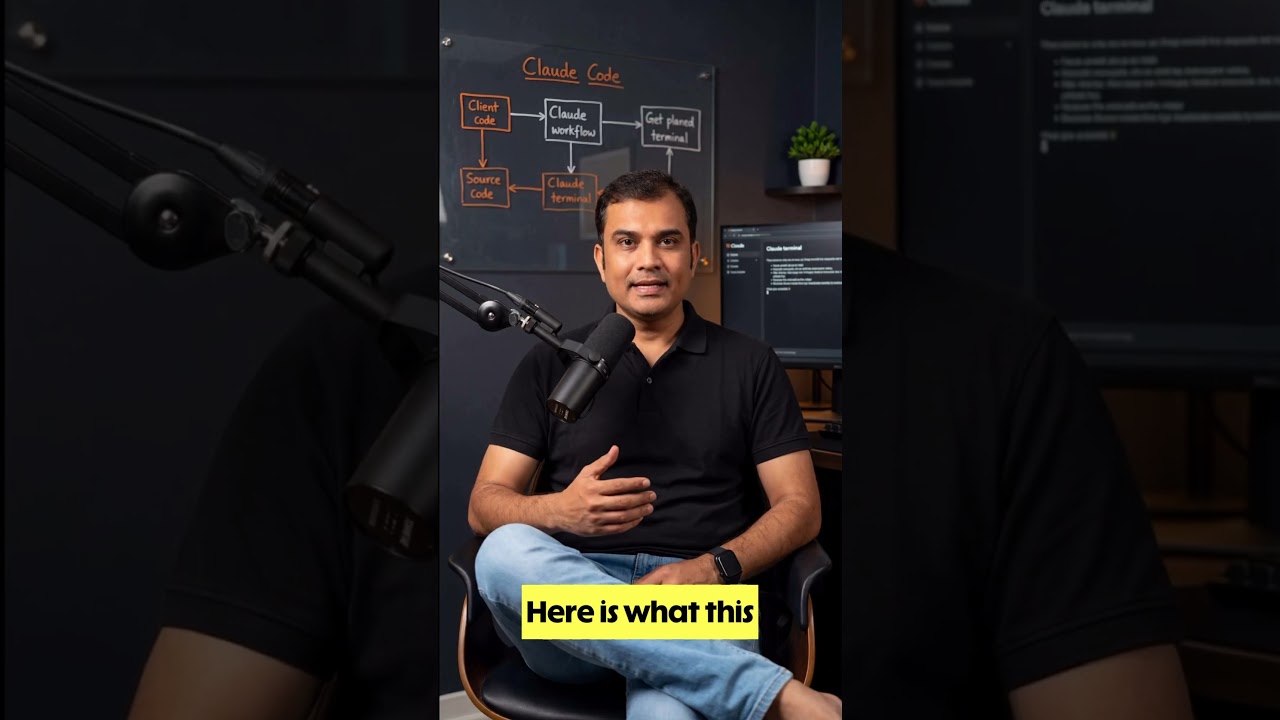
Anthropic accidentally shipped the full Claude Code source in one npm package — and developers wasted no time digging through it. In this Short, you’ll see what they found: the memory system, agent loop, internal architecture, and the overnight Python rewrite that got everyone talking.
If you’re into AI agents, coding tools, Claude, Python, and open-source dev news, this one is for you. Subscribe for more AI breakdowns, dev news, and viral tech explainers.
#claudecode #anthropic #python #aiagents #opensource #github #ainews #programming #DeveloperNews #youtubeshorts

New technique from Anthropic helps us glean into the black box of generative AI models.
Let's break this down a bit and understand what this means.
#artificialintelligence @anthropic-ai #generativeai
#anthropic #claudecode #ai #leanstartup

For many teachers, the advent of AI has been overwhelming. Now a new project - a partnership between the Aft and Microsoft, Anthropic and OpenAI - aims to reset the relationship between #AI and schools.
The National Academy for AI Instruction will train around 1 in 10 teachers in the US over the next 5 years.
A new World Economic Forum report explores the conditions required for responsible AI integration in education systems. Read Shaping the Future of Learning: Education Readiness for the Age of AI: https://www.weforum.org/public....ations/shaping-the-f
The World Economic Forum is the International Organization for Public-Private Cooperation. It provides a global, impartial and not-for-profit platform for meaningful connection between stakeholders to establish trust, and build initiatives for cooperation and progress.
Find out more below:
World Economic Forum Website ► http://www.weforum.org/
YouTube ► https://www.youtube.com/wef
LinkedIn ► https://www.linkedin.com/compa....ny/world-economic-fo
Facebook ► https://www.facebook.com/worldeconomicforum/
Instagram ► https://www.instagram.com/worldeconomicforum/
X ► https://twitter.com/wef
TikTok ► https://www.tiktok.com/@worldeconomicforum
WhatsApp ► https://www.whatsapp.com/chann....el/0029VaDcHBKGZNCih
Threads ► https://www.threads.com/@worldeconomicforum
Flipboard ► https://flipboard.com/@WEF
#WorldEconomicForum #wef

The Cutting Edge School is one of India's most trusted brands for Enterprise Trainings on AI & Automations. CES has trained teams for The Economic Times, The Times of India, Dubai Future Foundation, Dubai Holdings, Lenskart, Reliance Digital, HP, Intel and many other global brands. They were also awarded the Best AI Educator of the Year by Economic Times Edge as well.
Anthropic just released their comprehensive prompt engineering course completely FREE - the same skills that are making developers highly sought after in the AI job market 🚀 Learn how to: Master prompt structure from basic to advanced techniques Troubleshoot common prompt failures with proven methods Leverage Claude's strengths for optimal business results Build complex prompts from scratch for any industry This interactive course covers 9 chapters with hands-on exercises, available both as Jupyter notebooks and Google Sheets. No technical setup required! Ready to develop the most in-demand skill in AI? Get access using link below:
https://tinyurl.com/3u8vhren
Start your prompt engineering journey today! #PromptEngineering #AI #ArtificialIntelligence #Anthropic #Claude #Developers #TechSkills #FreeEducation 🤖💡📚

สะเทือนวงการ AI อีกครั้ง เมื่อ Anthropic เปิดตัวโมเดลเรือธงรุ่นใหม่ Claude Opus 4.6 อย่างเป็นทางการ
ซึ่งจะไม่ได้มาเป็นผู้ช่วยแชตบอตอีกต่อไป แต่มากำหนดนิยามใหม่ของพนักงานดิจิทัลในยุค AI
#AI #ClaudeOpus46 #ClaudeAI #Anthropic #AI #TNNTech
—--
#TNNOriginals
—--
ติดตามข่าวสารทันโลก ทันเหตุการณ์
https://www.tnnthailand.com
https://www.facebook.com/TNNthailand/
https://twitter.com/tnnthailand
https://www.instagram.com/tnn_online/
https://www.tiktok.com/@tnnonline

