






Canva Dashboard 2026 for Teachers and Creators wanting to Learn the Basics

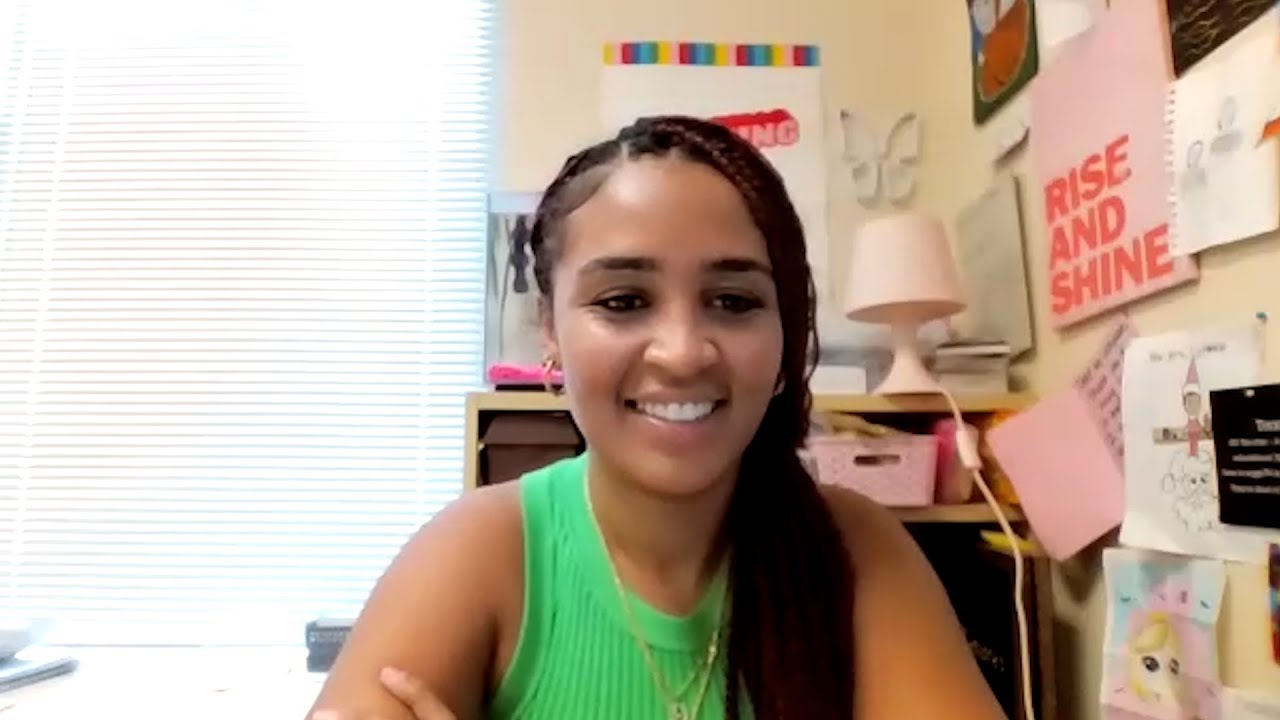
Welcome to Canva for Teachers, a brand-new tutorial series I've created specifically for educators who want to feel confident using Canva in the classroom.
In this series, I’m walking you step by step from the very beginning, building skills as we go. No overwhelm, no skipped steps, and no assuming you already “know Canva.” Each video builds on the last, so by the end, you’ll know exactly how to use Canva to create classroom-ready materials with ease.
In Episode 1, we’re starting at the very beginning.
This video is all about the Canva dashboard and the toolbar inside a design. I’ll show you where everything lives, what each section is used for, and how to navigate Canva without feeling lost.
By the end of this video, you’ll understand:
-How the Canva dashboard is organized
-Where to find templates, elements and fonts
-What the main toolbar tools do inside a design
-How to resize a design
-How to customize a template or design
This episode lays the foundation for everything we’ll create later in the series, from worksheets and slides to interactive activities and classroom resources.
If you’re brand new to Canva, this video is the perfect place to start. And if you’ve opened Canva before but felt unsure what everything did, this walkthrough will help everything finally click.
This is Episode 1 of Canva for Teachers, and we’re just getting started.
⏱️ Video Chapters
00:00 Welcome to Canva for Teachers
01:08 Canva Education
02:02 Canva Dashboard 2026
04:14 Creating a Design in Canva
06:07 Canva Design Templates
06:46 Editing a Canva Template Design
07:54 The Canva Elements Search Bar
08:39 Set Codes and Collections in Elements in Canva
10:00 Text Boxes and Fonts
14:24 Element categories
14:37 Resize Tool
📚 Helpful Links
👩🏫 Canva 101 for Teachers
https://courses.teresakwant.com/canva
✏️ Want to sell your own teaching resources?
Join Teacher-Author Brilliance
https://teresakwant.com/teacher-author
📘 Learn more about my book: Level Up Your Lesson Plans
https://teresakwant.com/book/
📲 Follow me for more Canva tips for teachers
Instagram: https://www.instagram.com/teresakwant/
TikTok: https://www.tiktok.com/@teresakwant
