







Create an AI graphic with to-teach.ai

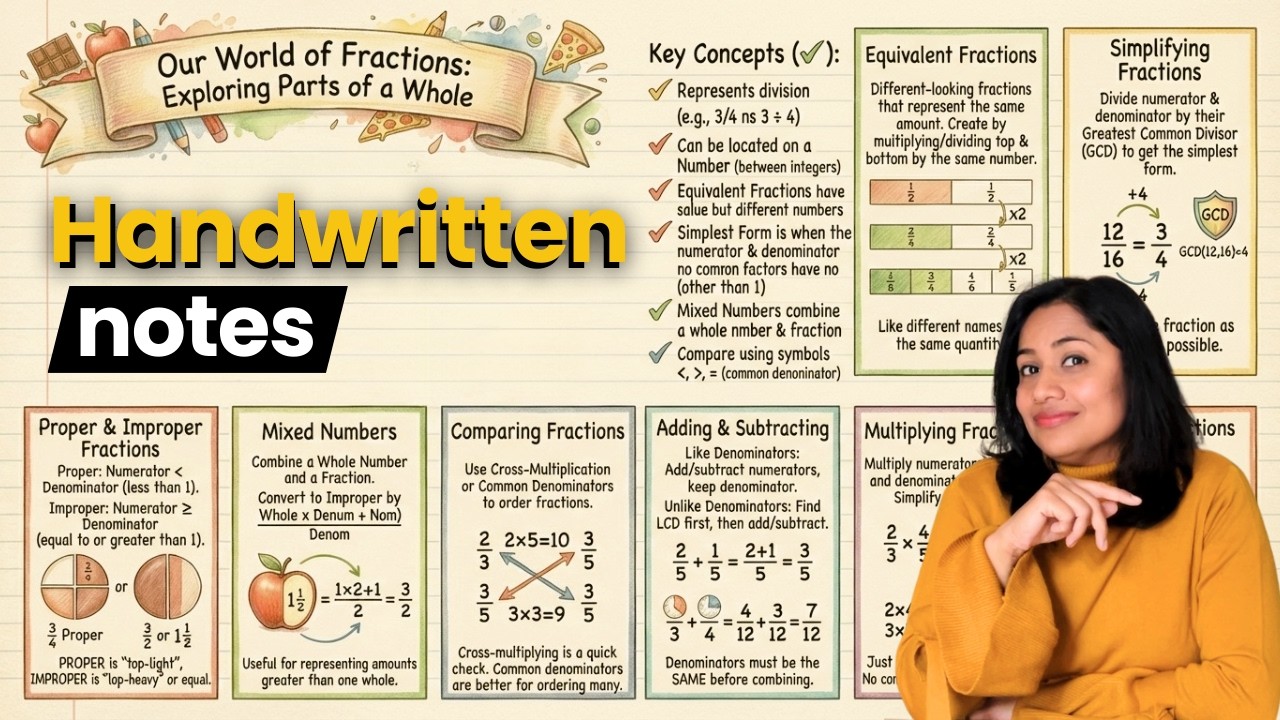
In this video, you'll learn how to use to-teach.ai to create AI-generated graphics from your content. Simply select the topic, target audience, and optional content to generate visually appealing materials. You can then customize and download the graphics.
Chapter
00:00 Intro
00:09 Create a Graphic
- You can specify the subject, age group, length, and language, and optionally use your own content
01:08 The Result
- You can customize the graphic in terms of colors, fonts, symbols, and text
01:34 Examples
01:44 Outro
👉 Create AI graphic: https://to-teach.ai/tools/graphics
🔍 WHAT IS TO-TEACH.AI?
to-teach.ai is an AI-powered platform designed specifically for teachers to help with lesson planning and classroom preparation. It enables you to quickly and easily create your lessons, prepare your teaching materials, and generate ready-to-use content – tailored, differentiated, and aligned with your curriculum. 🚀
Whether it’s worksheets, learning objectives, or lesson plans – you provide the topic and grade level, to-teach.ai does the rest.
🔐 GDPR-compliant
📚 Based on official curricula
💜 Created by teachers for teachers
🔗 https://to-teach.ai
DISCOVER OUR MOST POPULAR FEATURES
🕰️ Create a Lesson Plan: https://to-teach.ai/lesson-plan
📄 AI Worksheet Templates: https://to-teach.ai/discover
📺 YouTube → Worksheet: https://to-teach.ai/tools/youtube
GET TO KNOW TO-TEACH.AI EVEN BETTER
💻 Professional Development Courses:
https://app.fobizz.com/fortbil....dungen/1193-to-teach
ACCESS FREE TEACHING RESOURCES
🌈 Free Teaching Materials:
https://content.to-teach.ai/Fr....ee-teaching-material
JOIN OUR COMMUNITY
📱Instagram: https://www.instagram.com/to_teach.en/
